I Build and Maintain an Astro Site Using Only GitHub's Mobile Web Editor

I don’t have a laptop. Every commit to ReviByte, every line of the iSamuelDev theme, every bug fix — all of it has gone through GitHub’s web editor on my Tecno Camon 30. No VS Code, no terminal, no local dev server. Just a browser tab and a lot of patience.
People assume this is a temporary workaround until I “get a proper setup.” It isn’t. It’s how I ship. This is the workflow that actually holds up, the parts that genuinely hurt, and the tricks that make it bearable.
Who this workflow is for
Before the how-to, the honest version of who should try this:
This workflow works well if:
- You only have a phone, and that’s not changing soon.
- You’re maintaining or incrementally building an existing project.
- You’re comfortable waiting 40-90 seconds for a cloud build instead of instant hot reload.
- Your changes tend to be small and self-contained.
It’s not ideal if:
- You need to install and test new packages frequently.
- You’re doing heavy debugging that needs breakpoints or a real devtools performance panel.
- You’re planning a large-scale refactor across dozens of files at once.
If that’s you, this isn’t the workflow to force — pair a phone with occasional access to a desktop instead. But if you’re phone-only and building anyway, here’s what works.
The workflow
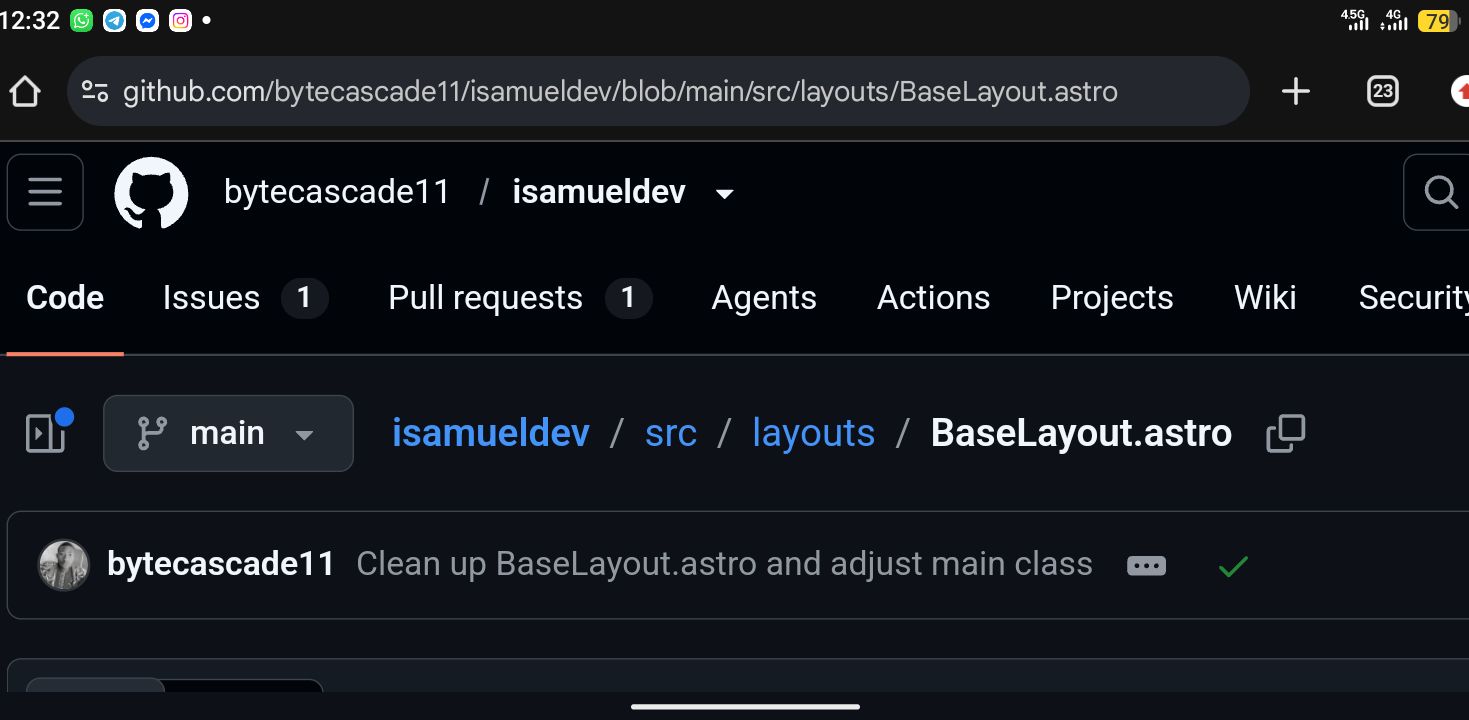
1. Everything happens in github.dev
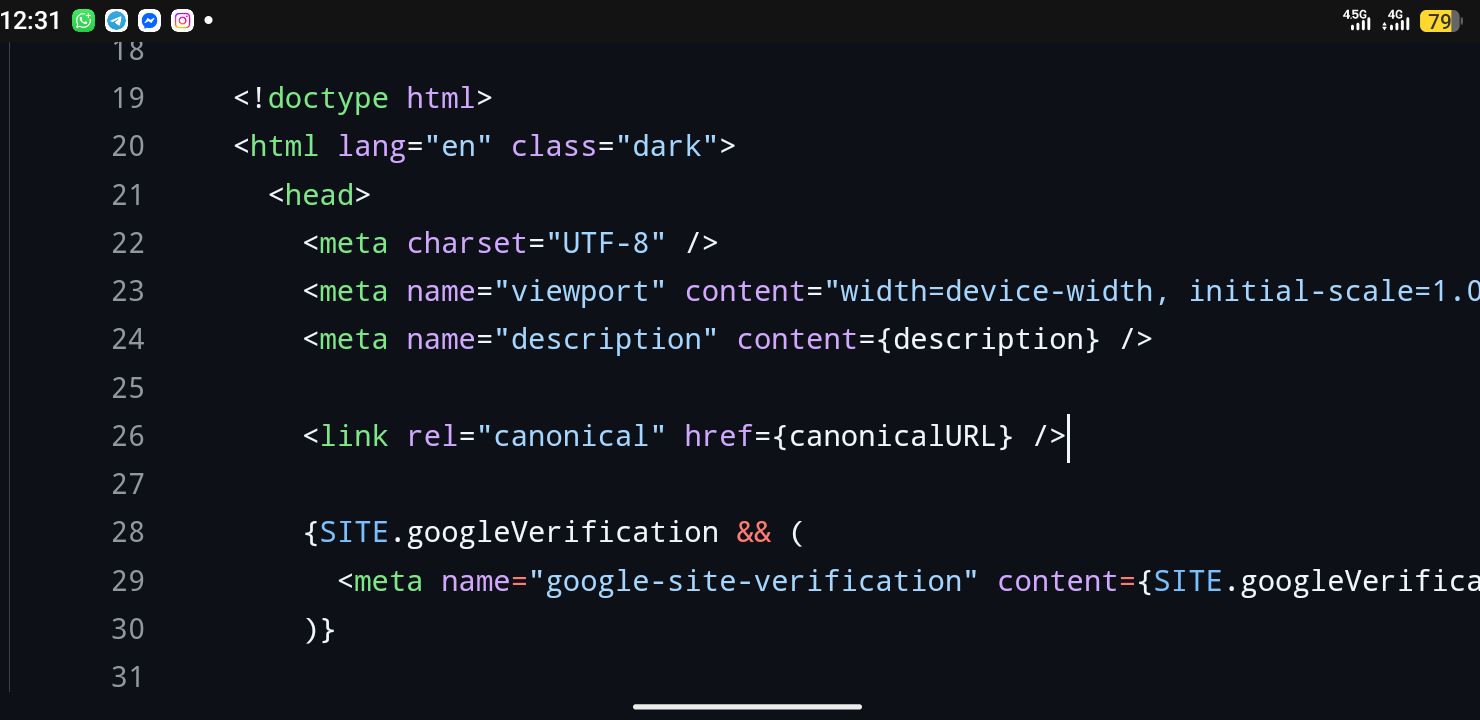
Pressing . on any GitHub repo page drops you into a full VS Code-in-the-browser instance. This is the backbone of my setup — a real file tree, syntax highlighting, multi-file editing, and search-across-repo. Things the plain “edit this file” button on github.com can’t do.
The GitHub mobile app isn’t designed for serious development, so github.dev becomes the closest thing to a real IDE on a phone.
2. No local build, so Vercel previews are my dev server
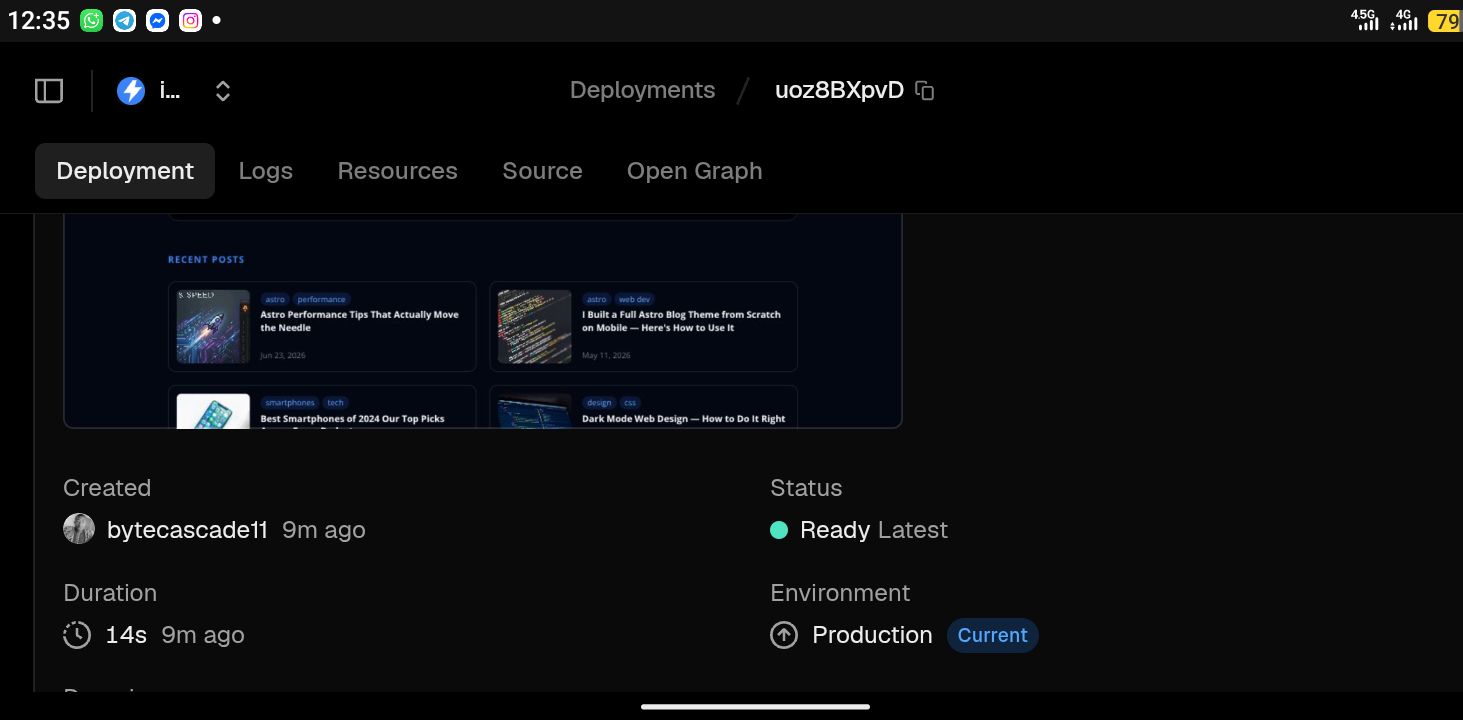
Since there’s no npm run dev on a phone, every meaningful change gets pushed to a branch and I let Vercel’s preview deployments be my feedback loop. Push, wait, check the preview URL, iterate.
It’s slower than hot reload. But it’s honest — I’m testing the exact thing that will go to production, not a local approximation of it.
3. Small, deliberate commits
Because there’s no local diff view worth trusting on mobile, I keep commits small and single-purpose. One commit per fix, per component, per content change. When something breaks, history actually means something instead of being a wall of unrelated changes I have to untangle blind.
4. Preview URLs, never the live site, for testing
I check everything on Vercel preview deployments rather than the production domain. Partly for layout testing, partly to keep my own visits out of analytics.
The pain points
No real terminal. No linter, no repo-wide search the way real tooling does it, no build to catch errors before pushing. Every syntax error becomes a failed Vercel build I find out about after the fact.
Copy-paste on mobile is its own boss fight. Selecting precise ranges of code inside nested Astro syntax is fiddly. I’ve lost count of how many times I’ve mis-selected a closing brace and shipped a broken build.
No side-by-side diffing. Comparing “what changed” across a big refactor — like when I ripped out the PWA topbar/bottom-nav system that was causing a CLS regression — means scrolling through a single file rather than glancing at a two-pane diff.
Multi-file refactors are slow. Renaming a component or changing a prop referenced in six files means opening six tabs, one at a time, on a screen that fits maybe 40 characters comfortably.
Autocomplete is weaker than desktop VS Code. Astro component type intelligence in github.dev on mobile is hit-or-miss. Sometimes I’m just checking the component file directly instead of trusting the suggestion.
No local package management. I can’t install something and test it before committing. Any new dependency is a leap of faith validated only once Vercel builds it.
The tricks that actually help
Keep a scratch branch for experiments. Risky changes go to a throwaway branch first, get a preview deploy, and only merge once I’ve actually seen them render correctly. This matters more than any tooling fix — it’s the closest thing I have to a safety net.
Lean hard on TypeScript and Astro’s own error messages. Since I can’t catch mistakes with a local build, I write more defensively — explicit types, fewer implicit assumptions — because the only compiler I get is the one running on Vercel’s servers after I’ve already committed.
Use GitHub’s built-in search relentlessly. Cross-file search inside github.dev is one of the few things that genuinely rivals desktop. When I need every place a component or config value is used, I search first instead of holding the repo structure in my head.
Screenshot-driven debugging. For layout and CLS issues, I screenshot the preview deploy before and after a change, since I don’t get devtools performance panels the way desktop Chrome offers.
Batch related changes into one editing session. Switching between github.dev tabs and reloading state on mobile has real friction, so I plan a change — which files, what edits — before I start, then execute in one focused pass.
Design around the constraint instead of fighting it. Fewer sweeping refactors, more incremental changes, heavier reliance on preview deploys as the actual test suite.
What this workflow has actually produced
This isn’t theoretical. Working this way, I’ve:
- Built and shipped ReviByte, a live tech and mobile gaming blog with 120+ published posts
- Built and submitted the iSamuelDev Astro theme to Astro’s official themes directory
- Diagnosed and fixed a CLS regression that pushed Core Web Vitals from 0.34+ back down to a healthy score, by tracing it to a PWA nav component and removing it
- Shipped a custom image sitemap that solved a persistent Google indexing problem
- Managed monetization, analytics, and third-party integrations (AdSense, Adsterra, Supabase, OneSignal) across a production site
All of it — every commit — from a phone.
FAQ
Can you build an Astro website from a phone? Yes. ReviByte and the iSamuelDev theme were both built and are still maintained entirely from a phone, using GitHub’s web editor and Vercel preview deployments in place of a local dev environment.
Can you use github.dev on mobile?
Yes. Pressing . on any GitHub repository opens github.dev, a browser-based VS Code instance that works on mobile Chrome. It supports a real file tree, syntax highlighting, and cross-file search — far more than the standard GitHub file editor.
Can you use GitHub without VS Code? Yes, though github.dev is effectively a version of VS Code running in the browser, so in practice you get VS Code’s editing experience without installing anything locally.
Can you code on Android without a laptop? Yes. It requires rethinking the workflow — no local builds, no terminal, cloud deploys as your test environment — but it’s a genuinely workable setup for maintaining and incrementally building real projects, not just editing small files.
Related reading
- Astro Performance Tips That Actually Move the Needle — the Core Web Vitals work referenced above
- I Built a Full Astro Blog Theme from Scratch on Mobile — how to use the iSamuelDev theme
- Getting Started with Astro — why I chose Astro in the first place
Why I still do it this way
None of this is a humblebrag about suffering for craft. It’s genuinely the setup I have, and building both ReviByte and iSamuelDev entirely inside these constraints has forced a discipline I don’t think I’d have developed with a full IDE: smaller commits, more deliberate changes, less reliance on tooling to catch my mistakes for me.
If you’re building anything from a phone because that’s what you’ve got, know that it’s a real path, not a placeholder for “real” development. It’s just a different set of tradeoffs — and most of them are workable once you stop expecting mobile to behave like desktop and start designing your workflow around what it actually is.